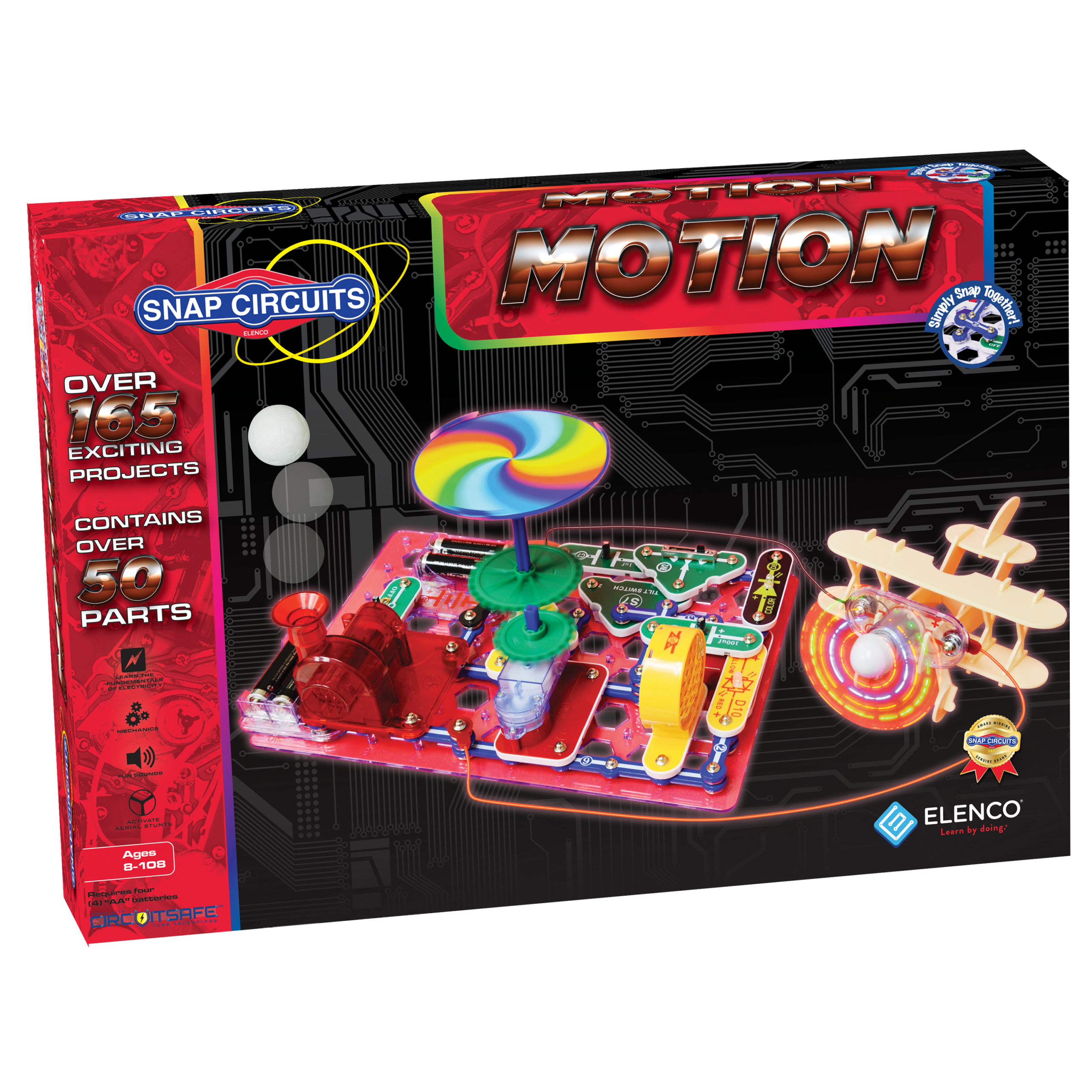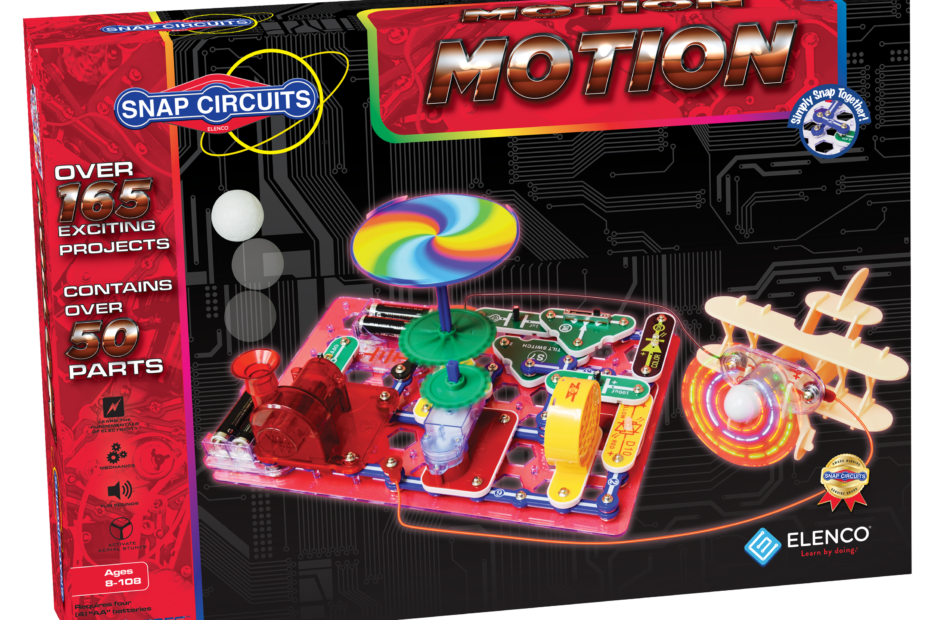
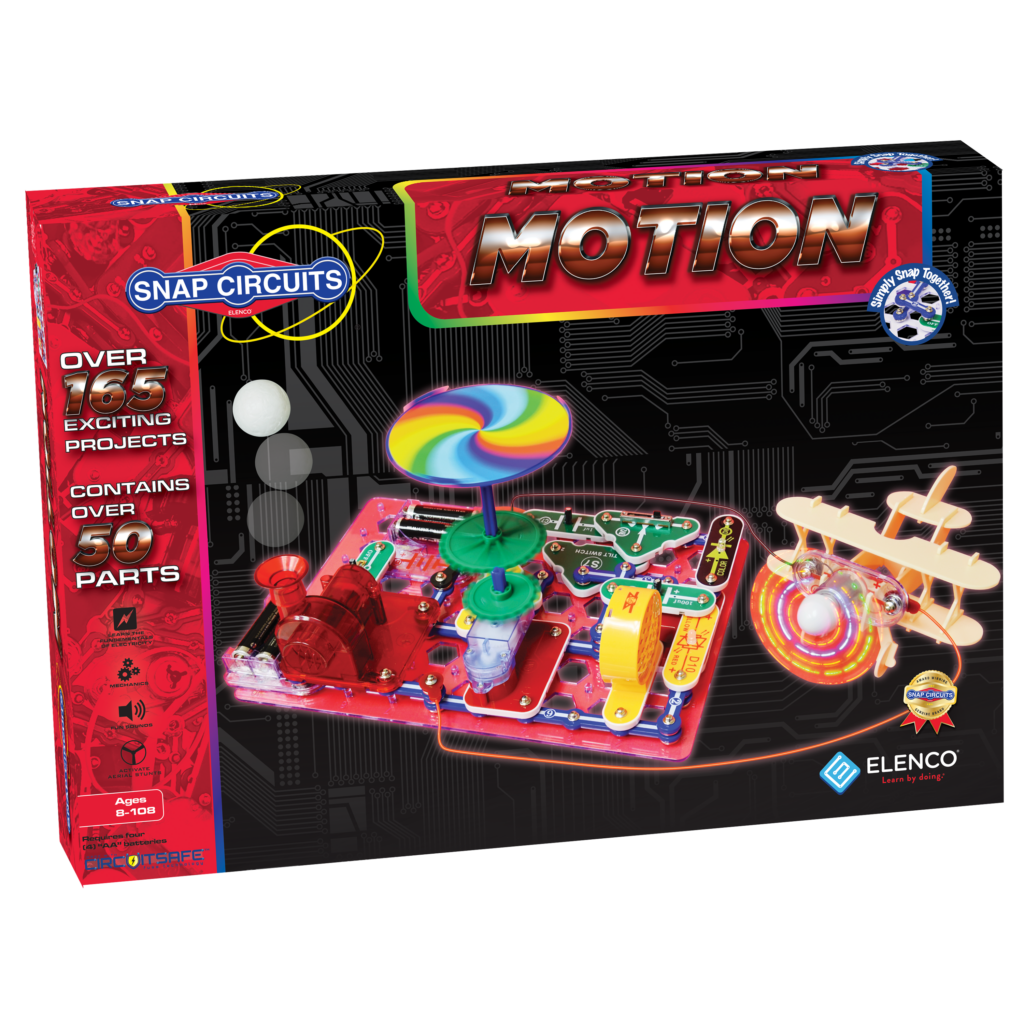
About Snap Circuits Motion
Snap Circuits Motion kit is focused on physics and things that “move” like pulleys, fans and motion detectors. Design electrical circuits with easy-to-use parts that simply snap together.
Contains 35 pieces
Please refer to the parts layout map included in your kit
Recommended age: 8+ years old
Snap Circuits Motion can be requested through the SamePage Catalogue.
Once available it can be borrowed for 3 weeks.
Caution!
- Adult supervision required
- Choking hazard – not suitable for under the age of 3
- Do not touch moving parts
- Do not connect to electrical outlets or attach extra power sources
- Do not leave circuit unattended
- Read pages 1 and 9 of the Instruction Manual for more information
Getting Started
- Take a look at the kit contents and make note of anything that is missing.
- Next, carefully read safety information in Instruction Manual.
- Start by placing the base grid on a flat surface.
- You will need a power source for every circuit you build. Your power source is the battery holder with three 1.5V AA batteries (included).
- Notice the black numbers labelled on the project diagrams. These show the order in which to place your circuit parts.
- Detailed project instructions included in manual.
Troubleshooting
If you are having issues with Snap Circuits Motion or have further questions, please visit these resources:
- Product Manuals: https://www.elenco.com/manuals/
- Frequently Asked Questions: https://www.elenco.com/faqs/
- Elenco Contact Information: https://www.elenco.com/contact-us/
Additional Resources
- Elenco and Snap Circuits Videos: https://www.elenco.com/our-videos/
- Project Gallery: https://www.elenco.com/showcase-gallery/
- Snap Circuits Designer App: https://www.elenco.com/snap-circuits-designer/
- Snap Circuits Certificate of Completion: https://www.elenco.com/wp-content/uploads/2018/06/certificatelinefinal-1.pdf
Suggested Reading
- Electronics for Kids by Øyvind Nydal Dahl
- Iggy Peck, Architect by Andrea Beaty
- The Invention Hunters Discover How Electricity Works by Korwin Briggs
Find these and more on samepagecbrl.bibliocommons.com
FEEDBACK
We’d love to hear from you! Please provide us with your feedback by filling out the feedback form included in your kit, or by filling in our online survey.
STEAM Kits
Frequently Asked Questions
What is STEAM?
STEAM is an acronym for science, technology, engineering, art, and math. It is an approach to learning that uses these subjects as a guide to problem-solving, inquiry, dialogue, and critical thinking.
What are STEAM Kits?
STEAM Kits contain hands-on activities that support STEAM-based
learning.
How do I check out a STEAM Kit?
For how long can I borrow a STEAM Kit?
STEAM Kits can be checked out online through the Cape Breton
Regional Library website (www.cbrl.ca), or in person at any of our
branch locations.
STEAM Kits can be borrowed for up to 3 weeks.
How do I return a STEAM kit?
STEAM Kits can be returned to any of our branch locations. Please
bring the STEAM Kit to the circulation desk. Do not leave in the book return dropbox.
Who do I contact for more information?
If you have any questions or need assistance with your STEAM Kit,
please contact your local branch or email us at info@cbrl.ca.